
Enter the archive of your dreams.

Velum gives your dreams a private archive, helping you return to them before they fade and notice what keeps recurring.

Begin your private dream archive

Download on the App Store

Velum is currently in TestFlight — join the beta before public release.

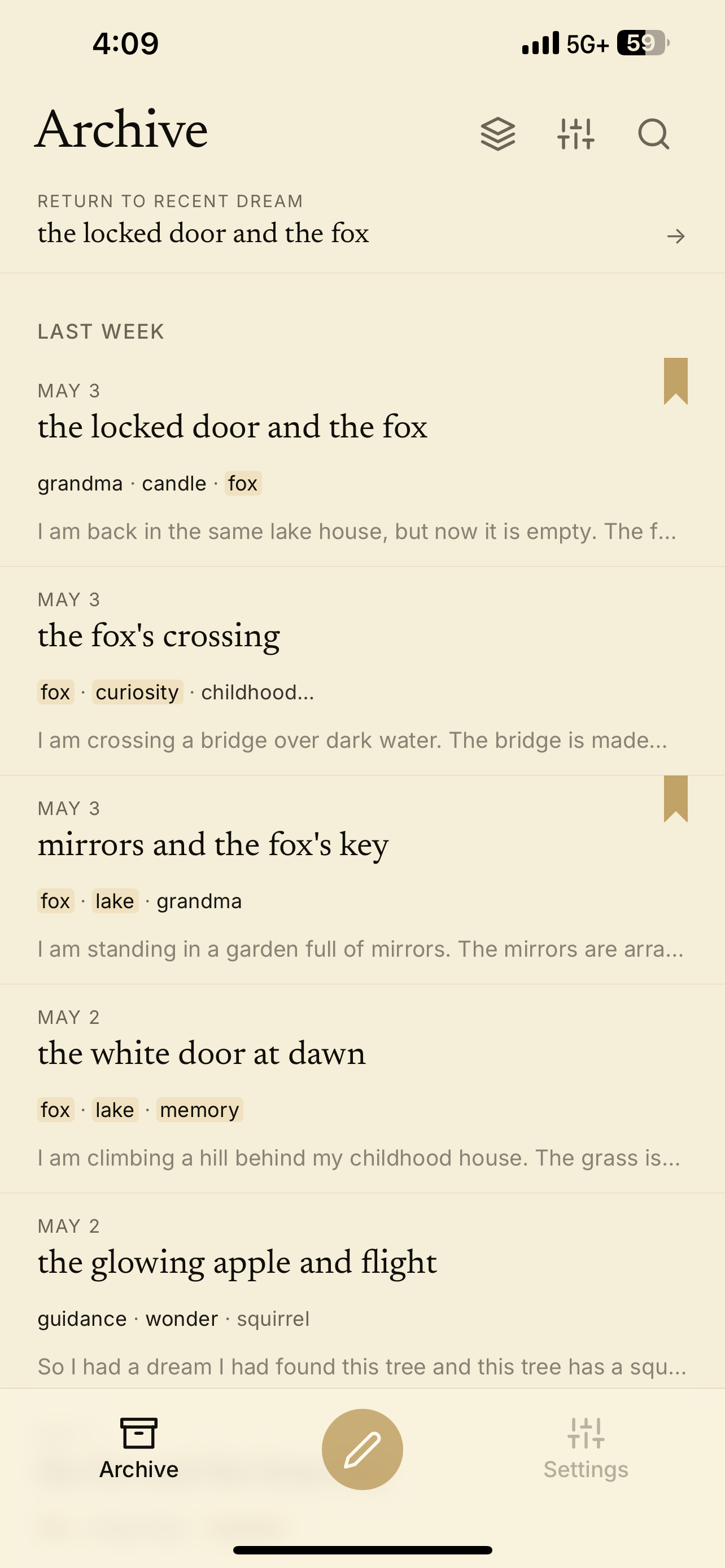
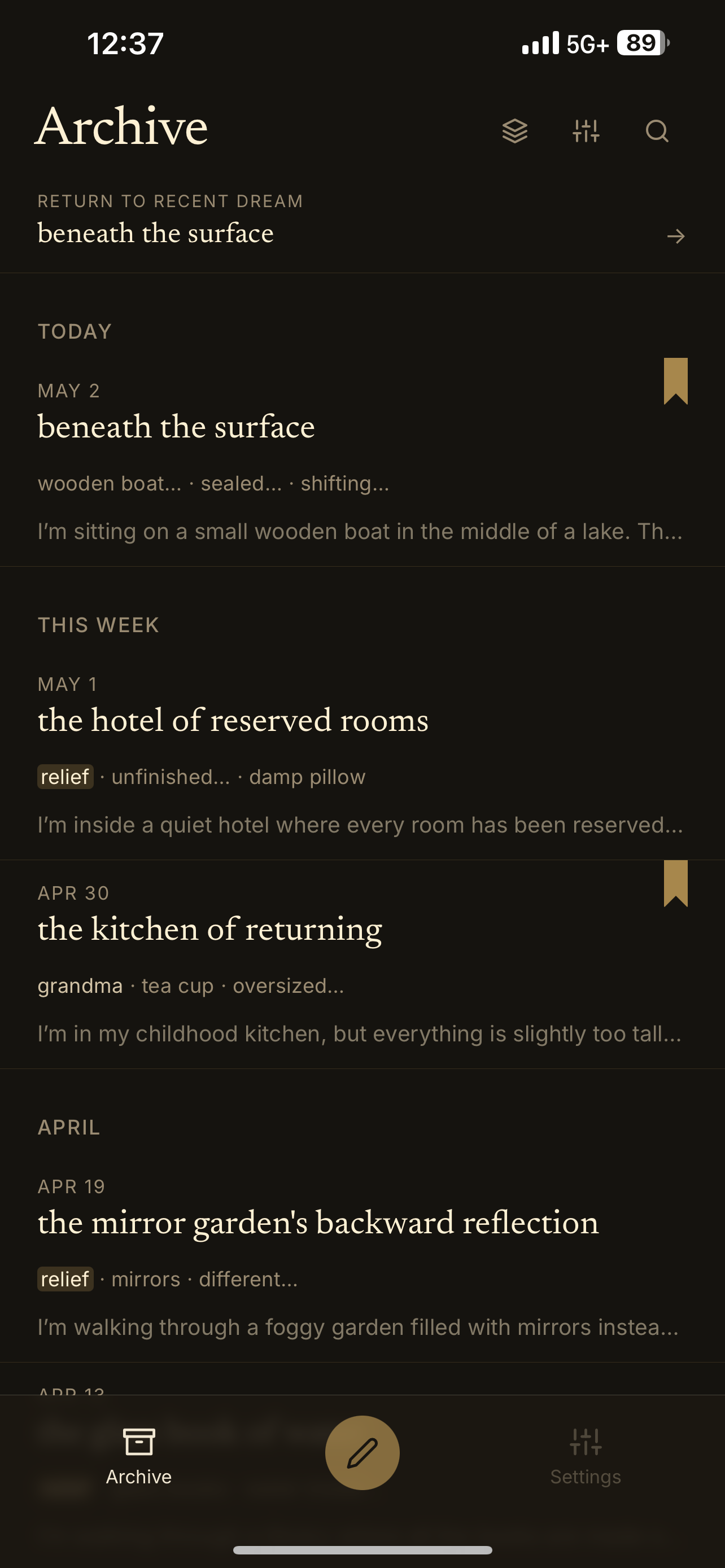
Velum archive showing recent dreams and bookmarked entries
Velum V5 archive screen

Catch the dream before it vanishes.

Speak or type a dream in seconds, before the details fade. Velum keeps the first version intact so you can return to it later.

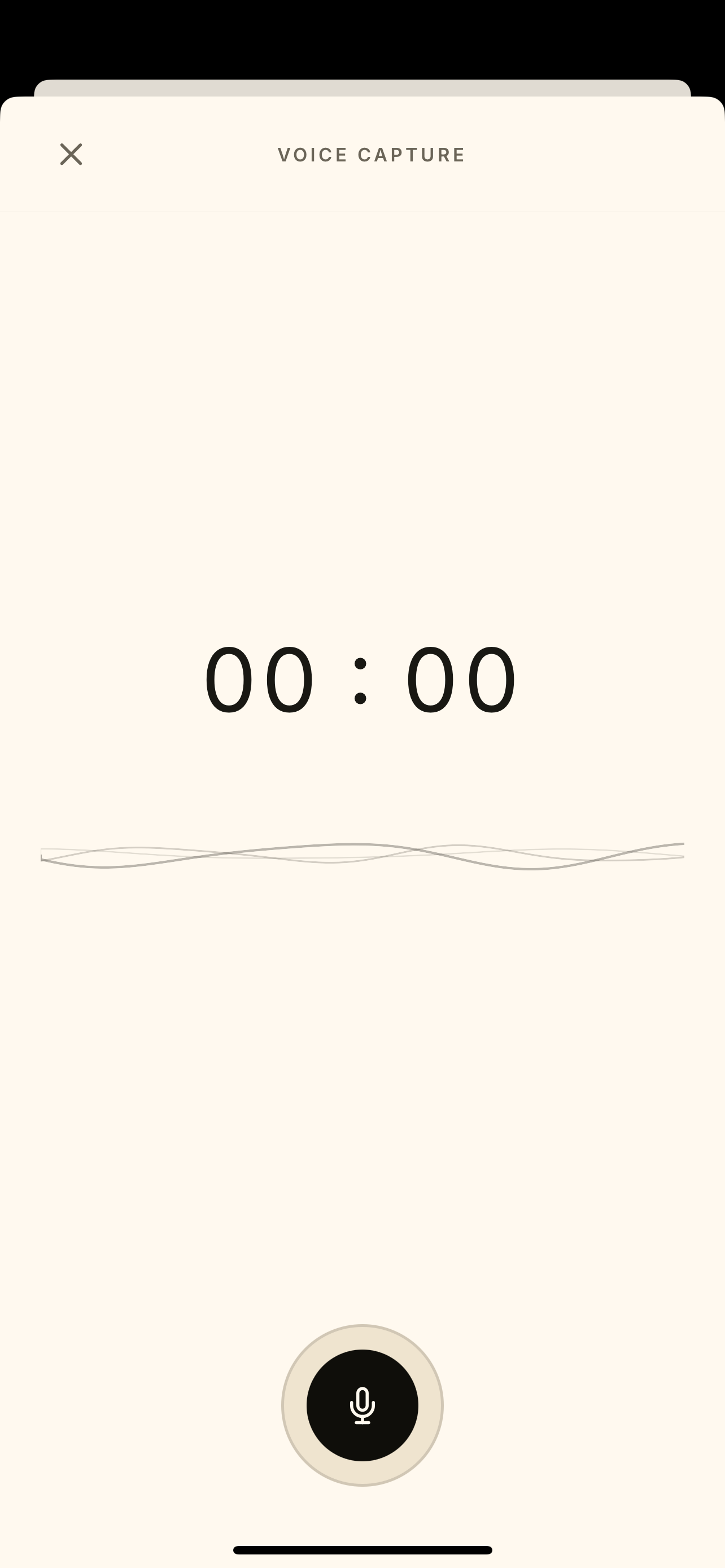
Use voice capture when you wake up, or write by hand when the image is still fresh.

  • Text entry
  • Voice capture mode
  • Morning reminders
  • Auto title/date organization
  • Local private archive
Velum voice capture mode recording a dream
Velum V5 voice capture screen

Let the dream reveal its pattern.

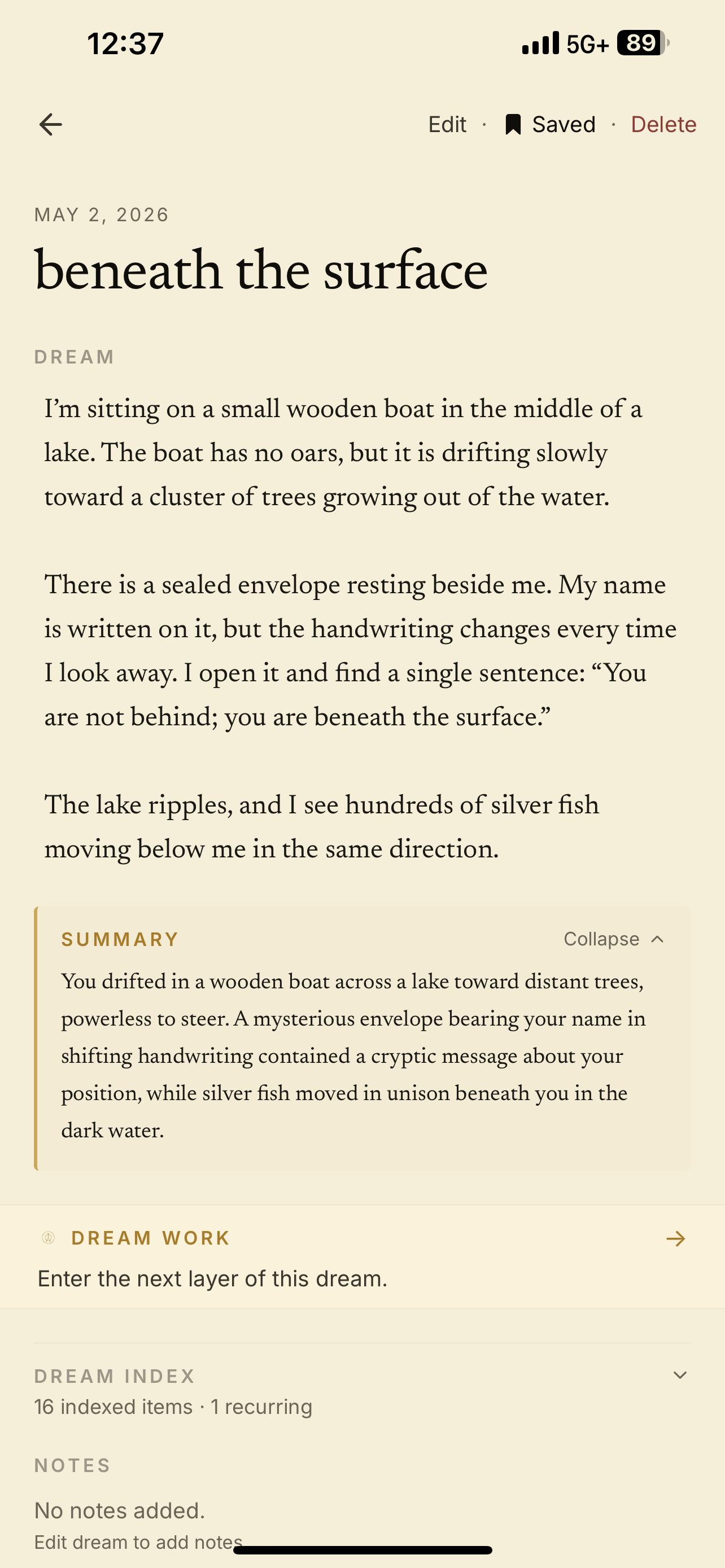
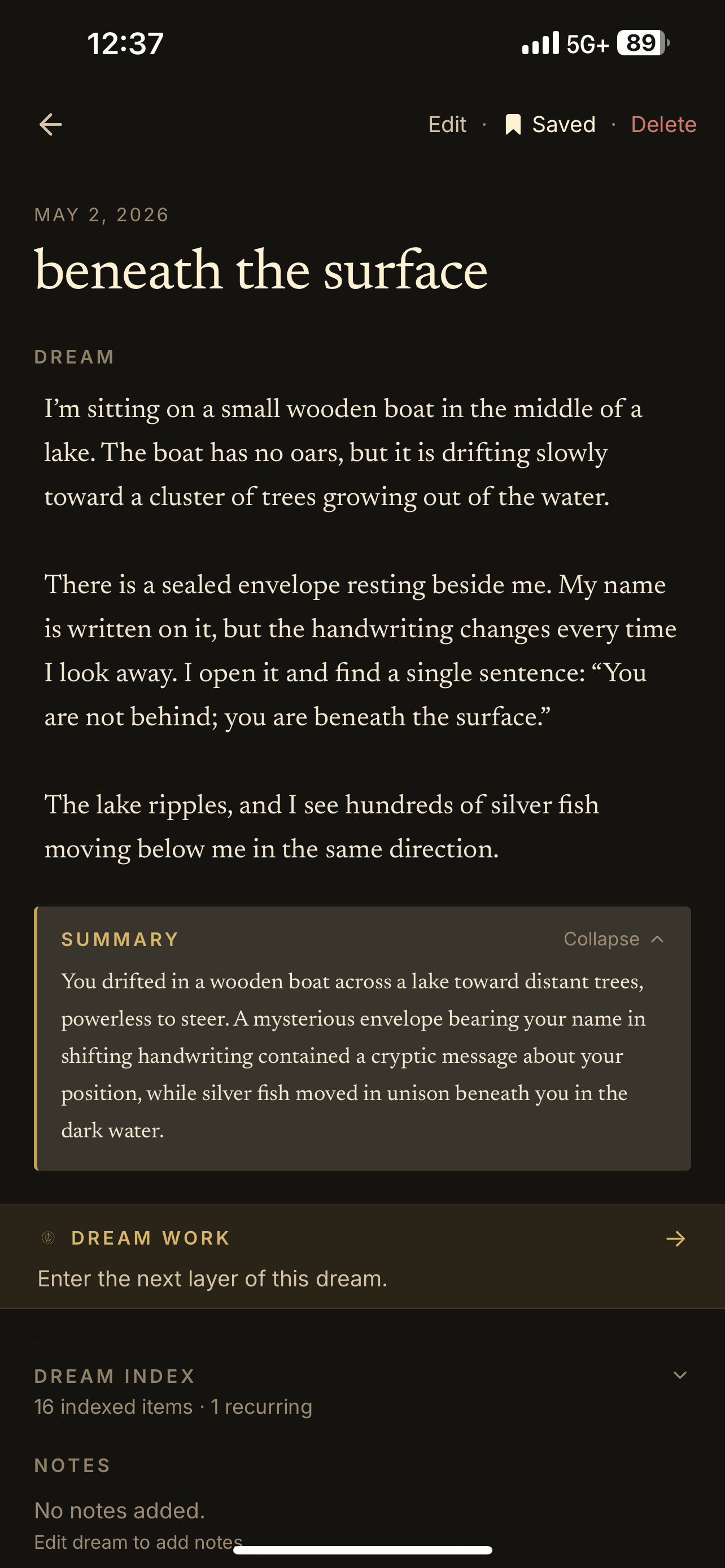
Velum helps surface recurring symbols, emotions, people, places, conflicts, and questions across your dreams.

The goal is not to "decode" the dream for you. It is to help you notice what keeps returning.

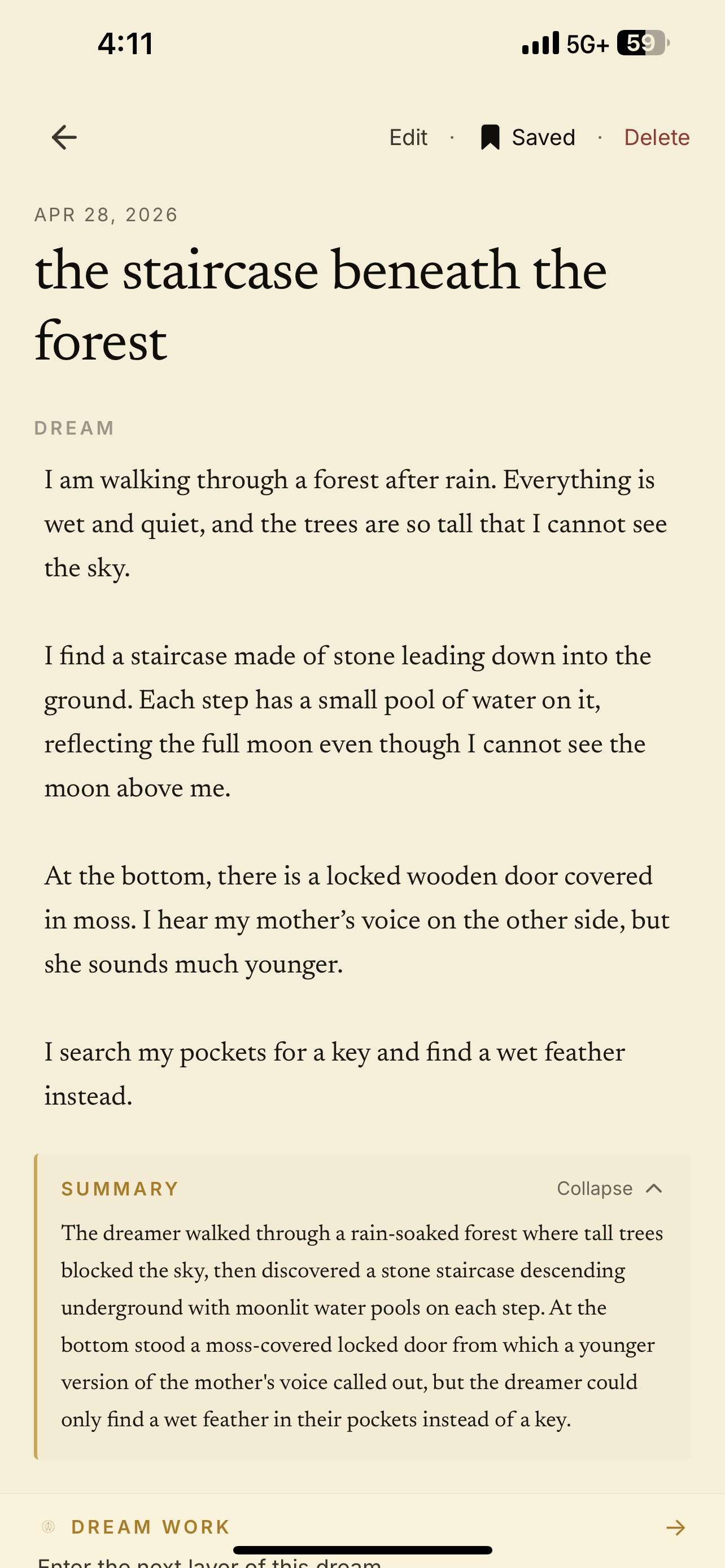
Velum dream detail screen showing dream work progress, summary, and indexed dream symbols
Velum V5 dream detail screen

Search the unconscious like a private library.

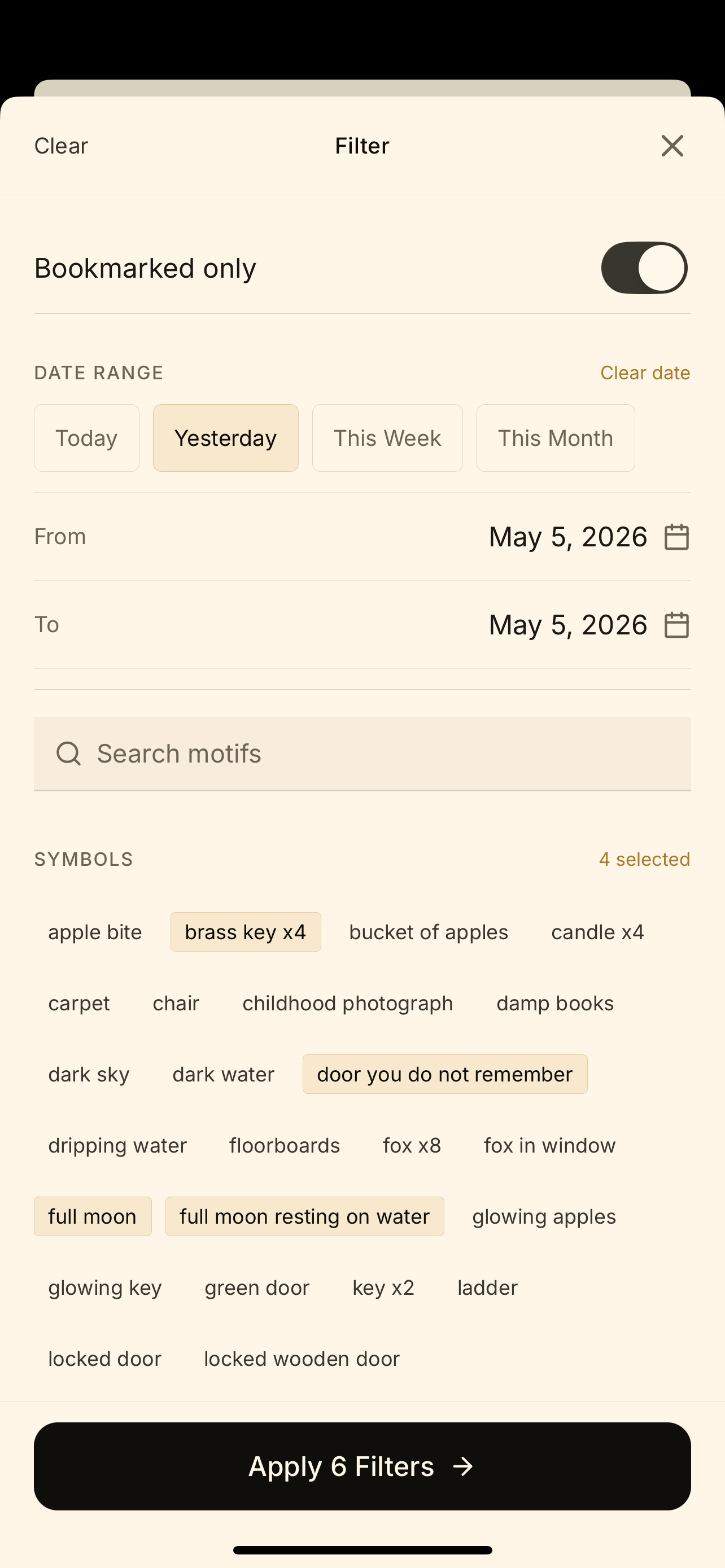
Search by symbol, person, place, feeling, date, or theme. Find old dreams that echo what you are living now.

Search "house," "father," "teeth," "water," or "being chased."

Velum archive filter drawer showing date range, motifs, places, and selected filters
Velum V5 archive filter screen
Search by symbol Filter by emotion Bookmark important dreams Find recurring patterns Return to old dreams

Choose the atmosphere of your archive.

Velum is not locked to one visual mood. Choose the archive atmosphere that fits how you want to work with your dreams.

Parchment

Warm ivory · daylight
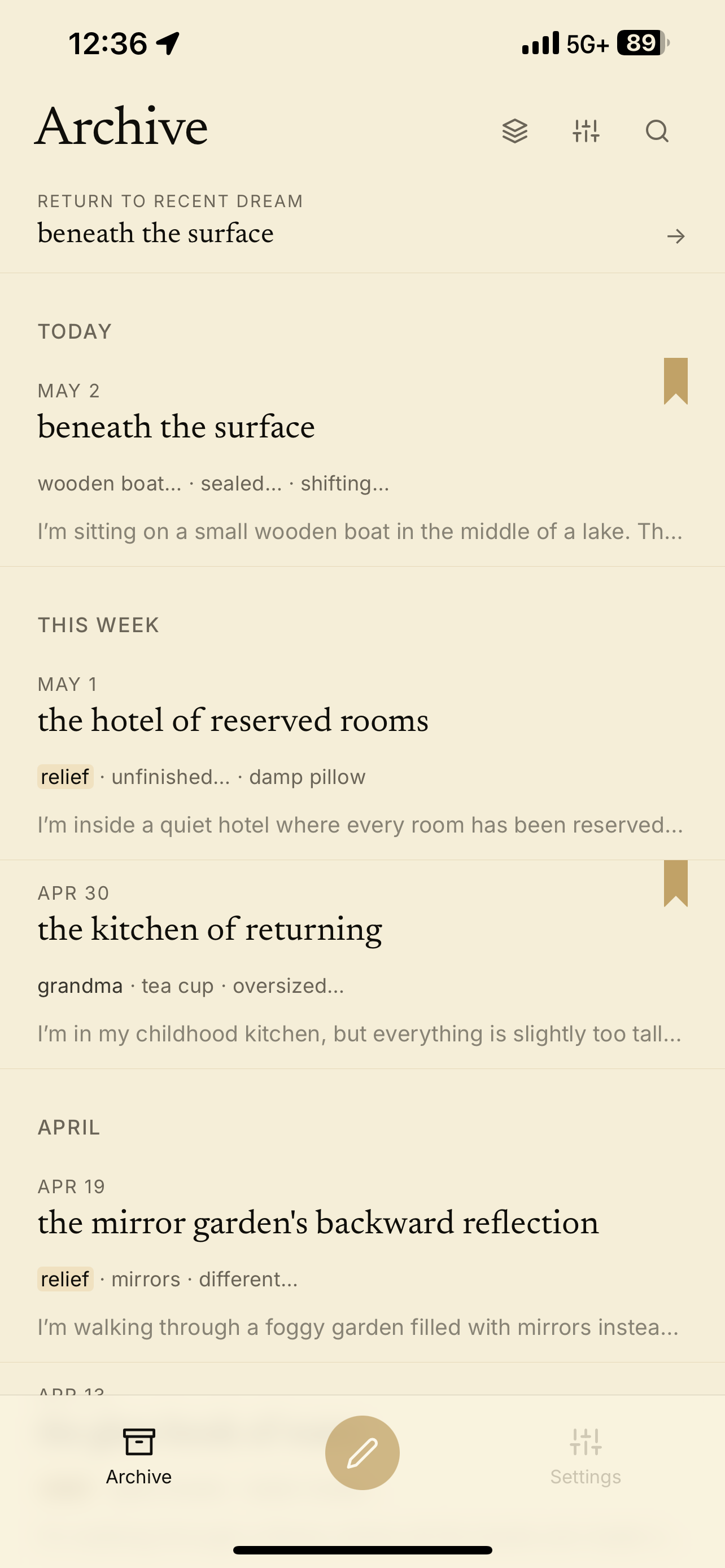
Parchment theme showing the Velum archive screen
Parchment dream detail screen preview
Parchment appearance preview

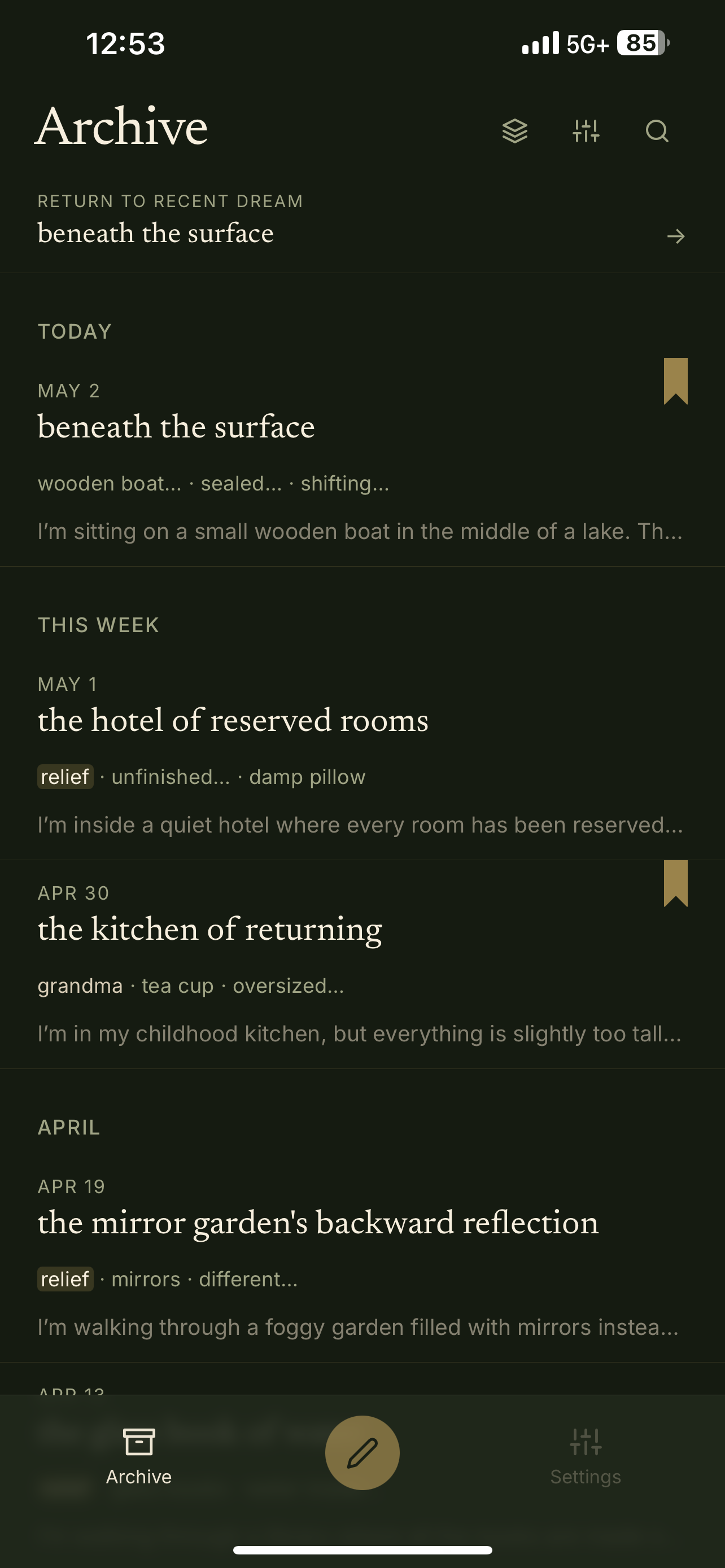
Dark Archive

Near-black · nocturnal

Dark Archive theme showing the Velum archive screen
Dark Archive dream detail screen preview
Dark Archive appearance preview

Green Room

Moss-dark · private study

Green Room theme showing the Velum archive screen
Green Room dream detail screen preview
Green Room appearance preview

A board reveals what keeps returning.

Start with one thread, motif, emotion, or question. Velum gathers the linked dreams and reflects the pattern back through living tiles.
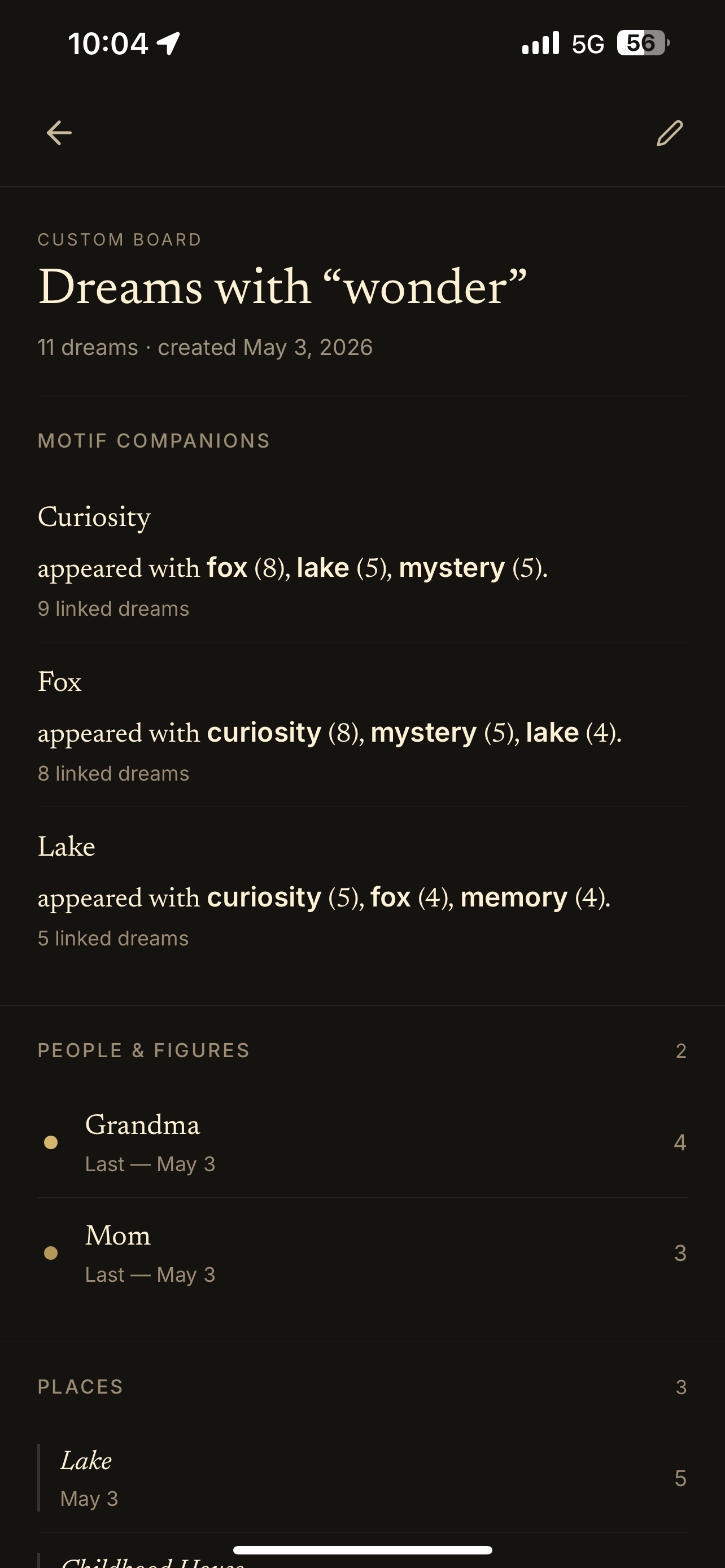
Velum Boards screen for dreams with wonder, showing linked board tiles and recurring pattern sections
Velum Boards pattern field
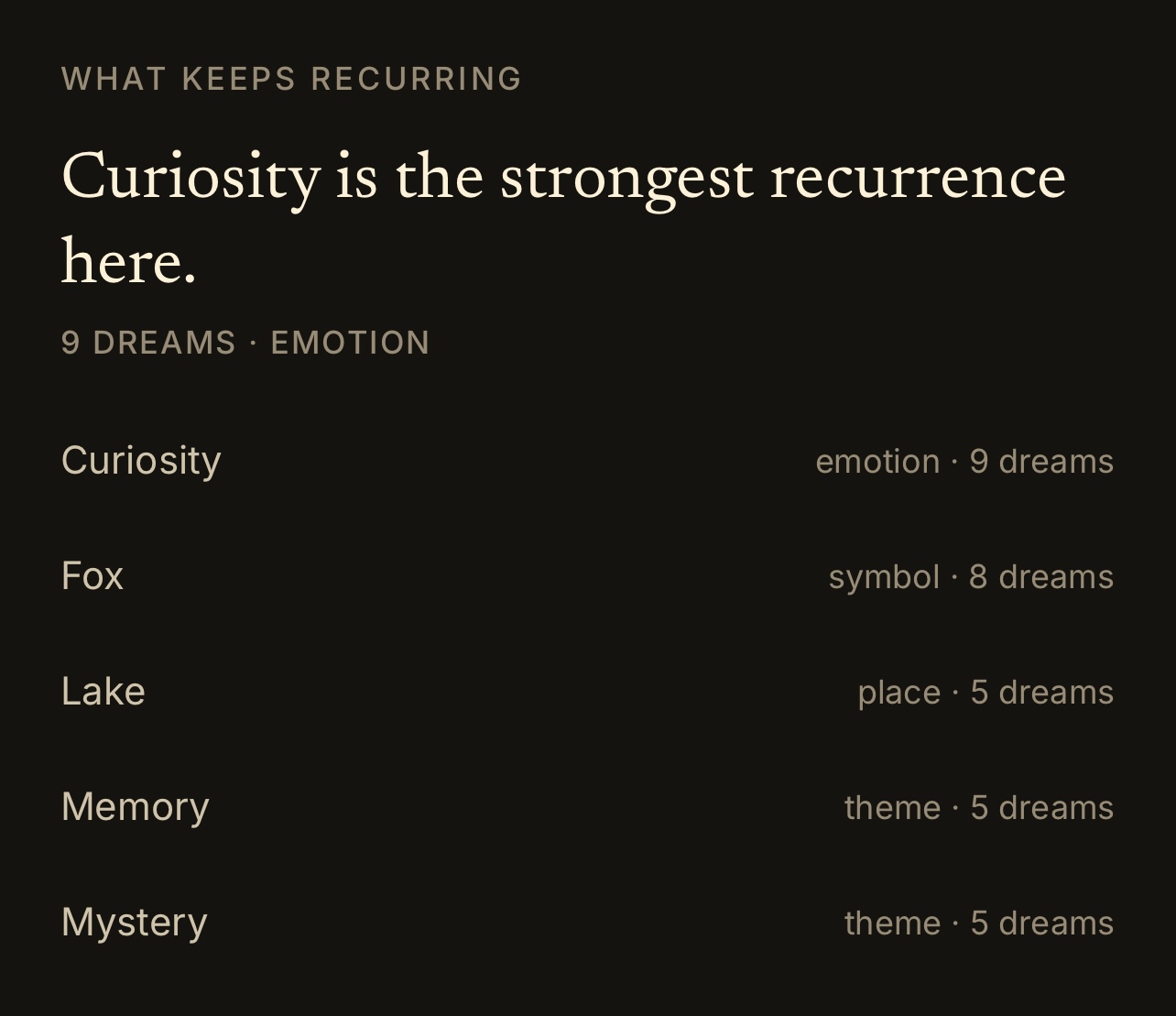
What Keeps Recurring tile showing Curiosity as the strongest recurrence
01

What Keeps Recurring

Surface the strongest recurring figure, symbol, place, or emotion.
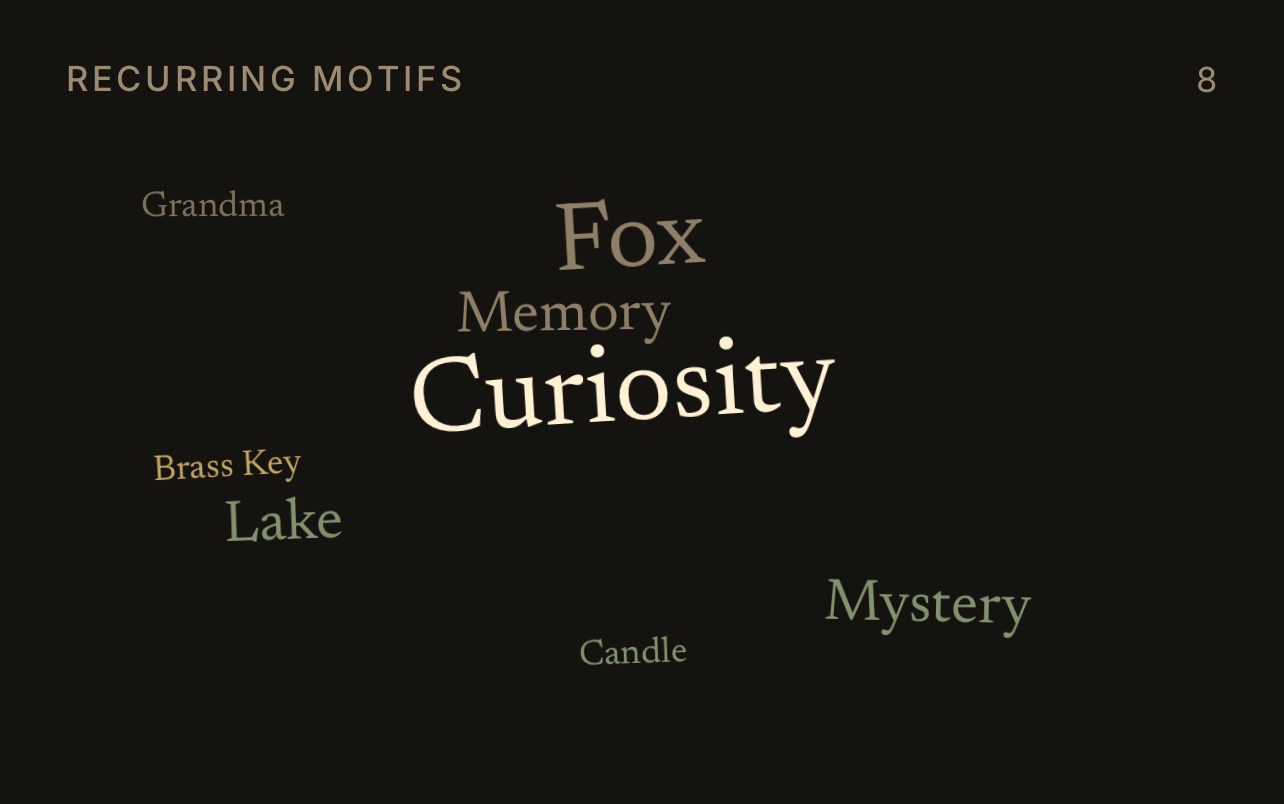
Recurring Motifs tile showing repeated symbols including Curiosity, Fox, Lake, and Mystery
02

Recurring Motifs

See the most repeated symbols at a glance.
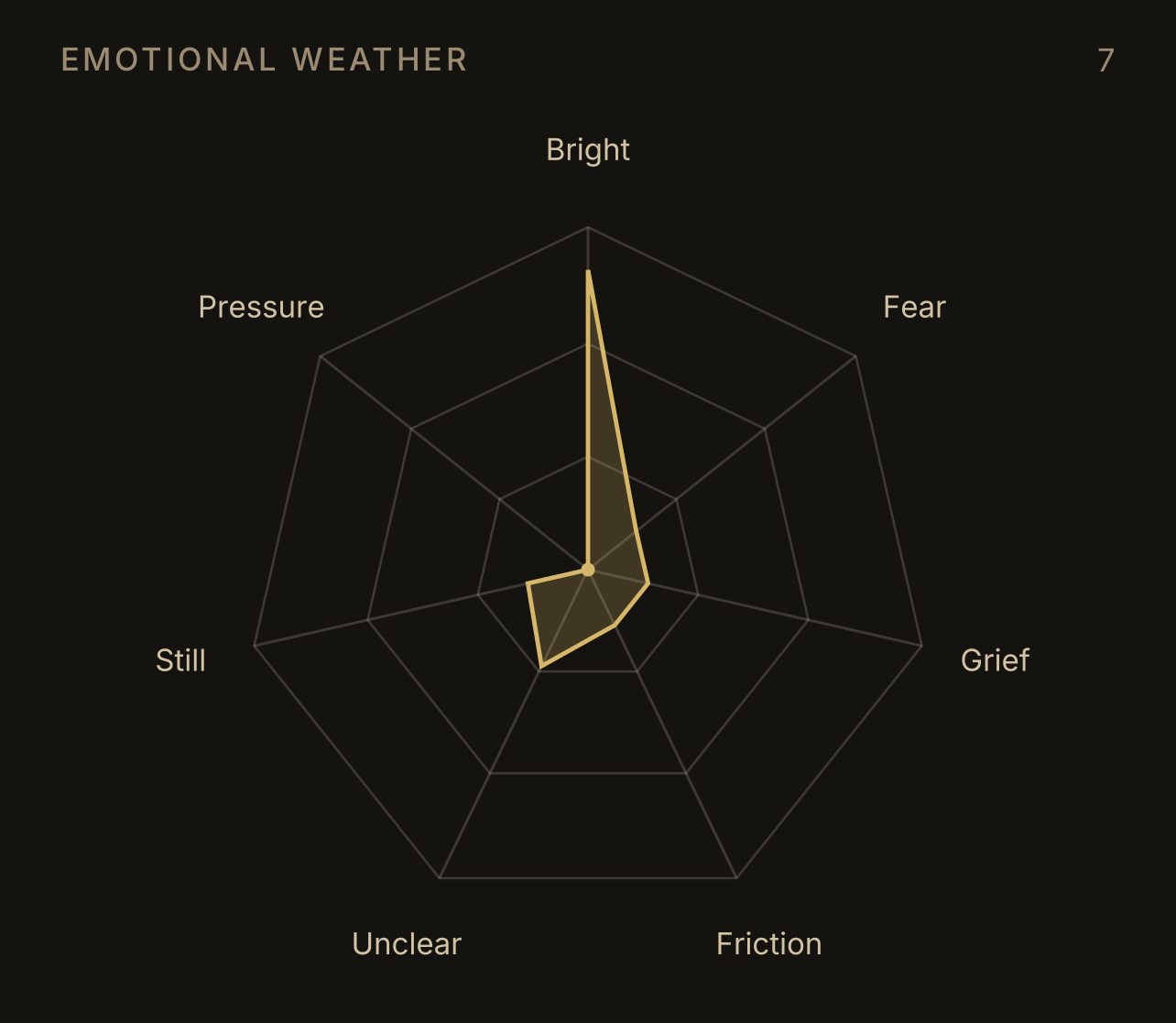
Emotional Weather tile showing a radar plot of bright, fear, grief, friction, unclear, still, and pressure
03

Emotional Weather

Track the emotional atmosphere across linked dreams.
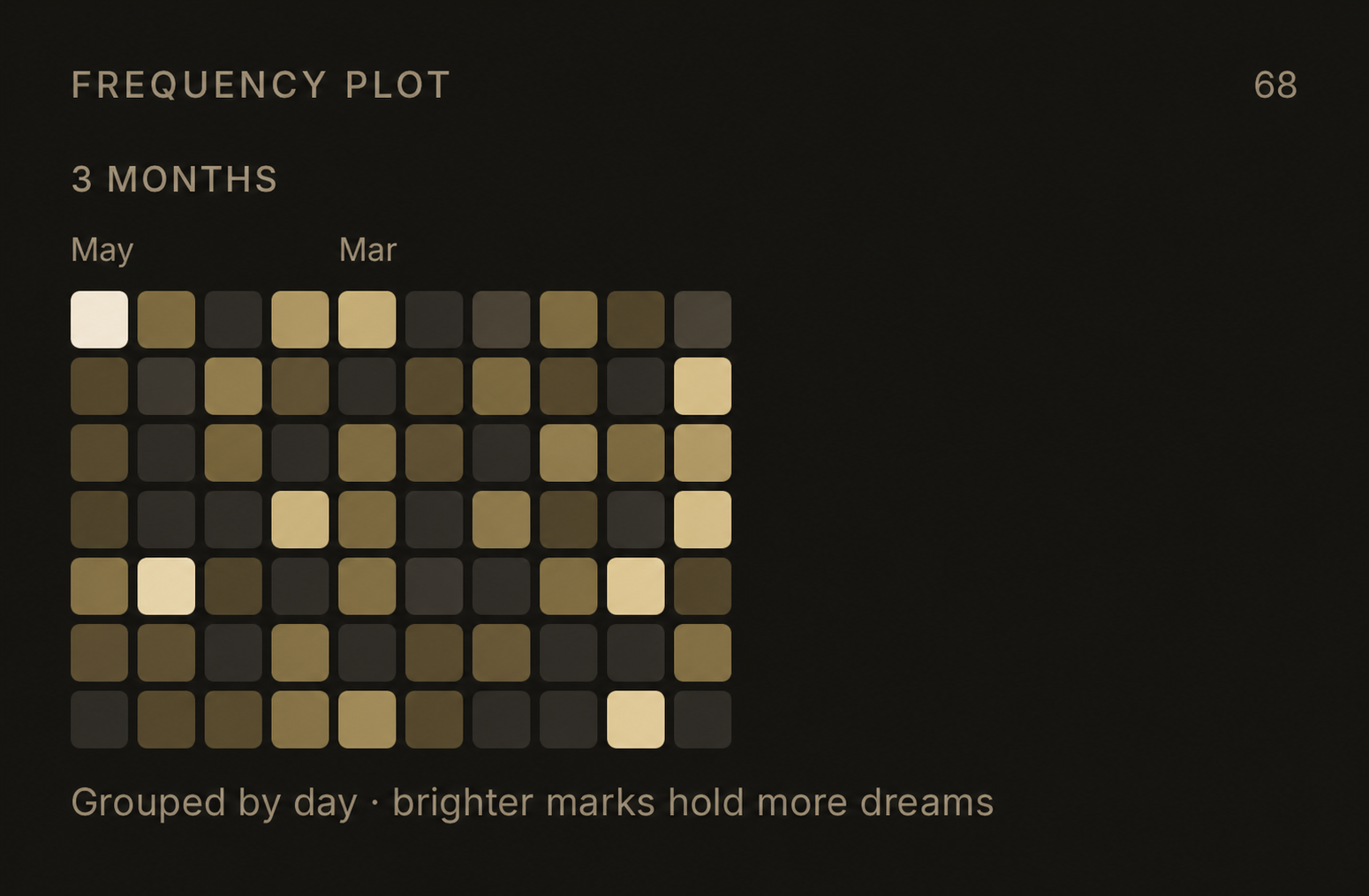
Frequency Plot tile showing grouped daily marks over three months
04

Frequency Plot

Notice when dream activity clusters over time.
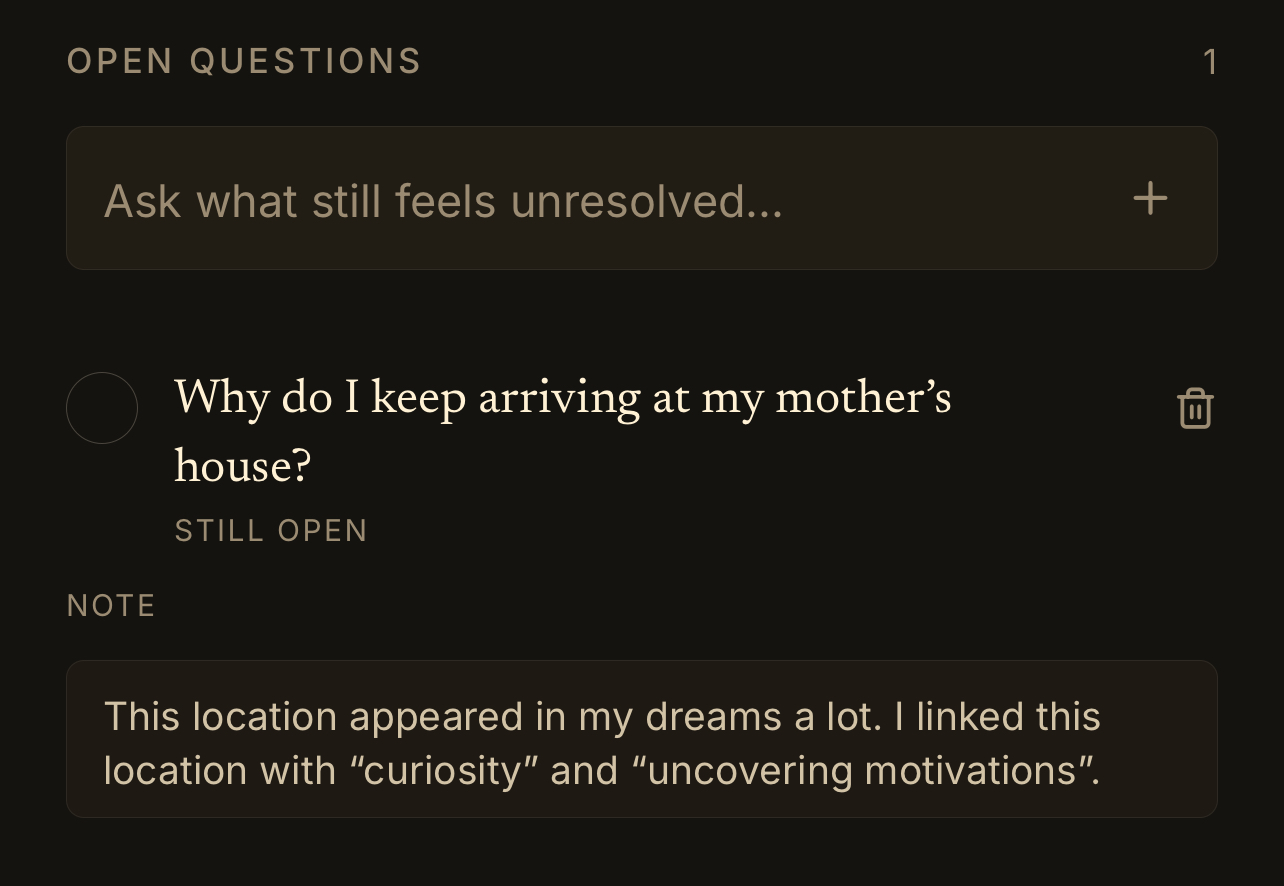
Open Questions tile showing an unresolved question and note
05

Open Questions

Keep unresolved threads visible inside the board.

Boards can also gather quieter threads.

Motif Companions
what appears together.
People & Figures
recurring presences.
Places
returning settings.
Linked Dreams
source material.
First / Latest
first and last return.
Timeline
chronological thread.

Move from remembering to working.

A dream is not finished when it is written down. Velum gives you structured methods for returning to the image, following its associations, and noticing what it may be asking of you.

Included with Velum Premium
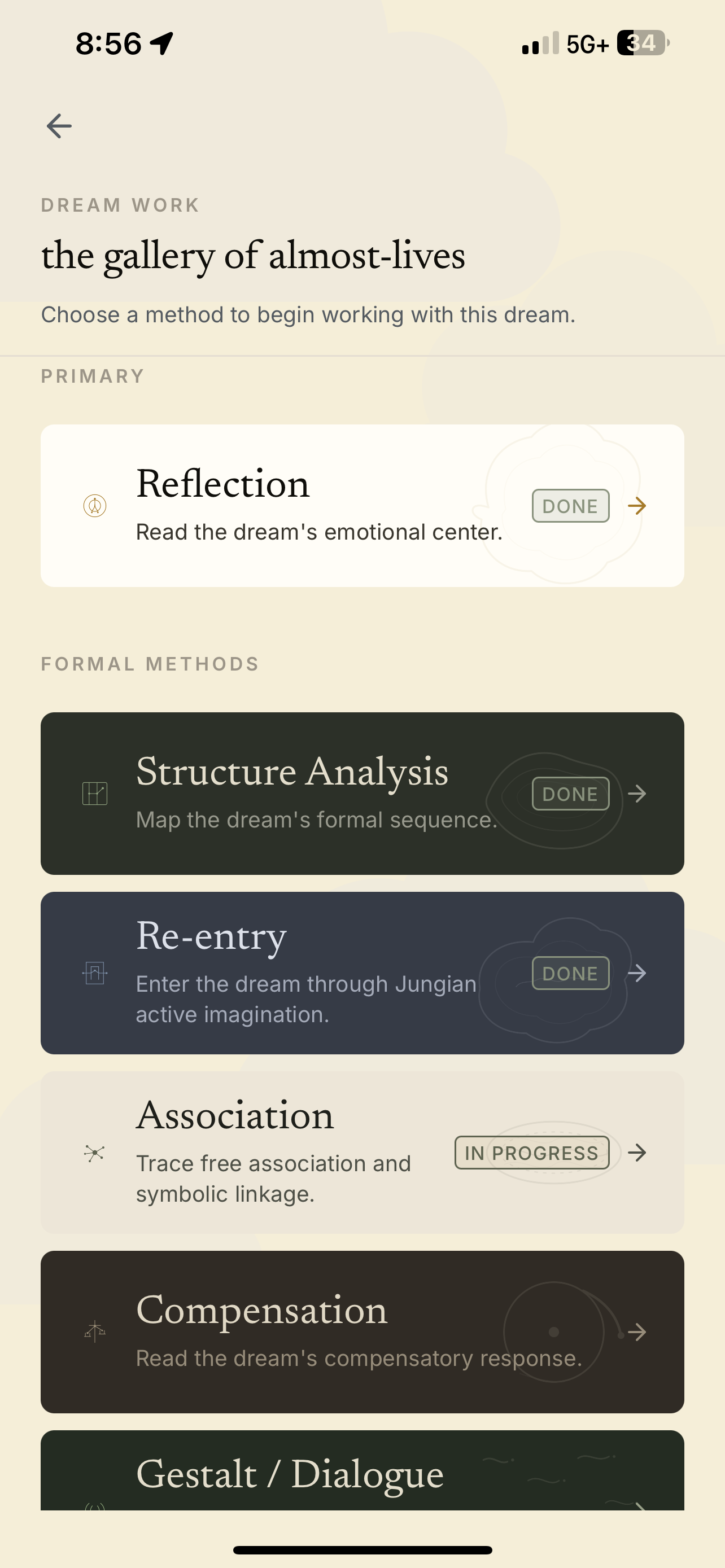
Velum dream work method picker showing amplification, compensation, re-entry, and dialogue methods
Velum V5 dream work method picker

Six formal ways to work with a dream

  • I

    Amplification

    Expands the dream image through symbolic, mythic, and personal association.

  • II

    Compensation

    Examines where the dream may be correcting the waking attitude.

  • III

    Re-entry

    Returns to the dream scene through guided imaginal continuation.

  • IV

    Gestalt Dialogue

    Lets figures, objects, and images speak from within the dream.

  • V

    Embodiment

    Locates the dream's emotional charge through sensation, posture, and felt response.

  • VI

    Symbol Mapping

    Traces recurring motifs, figures, places, and tensions across the archive.

Your dreams are not training data.

Your dream archive is private by default. Velum is built for intimate material, not public posting, social feeds, or surveillance-style journaling.
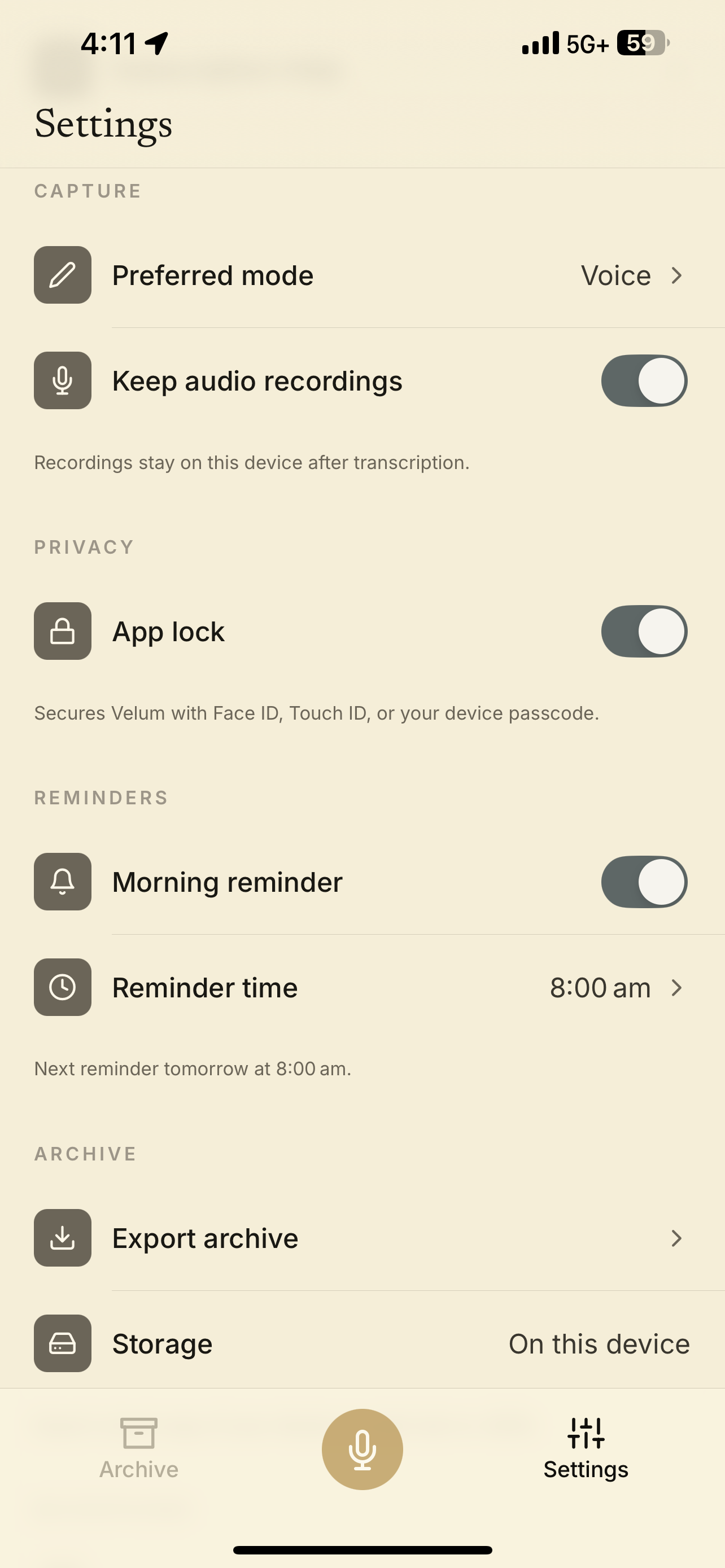
Private by default Export your archive Delete your data No social feed No public profile
Velum settings screen showing account, capture, app lock, and reminder controls
Velum V5 settings screen

Keep your archive in your own hands.

Your dreams should not disappear into a locked app. Velum lets you keep, search, export, and revisit your archive as it grows.

The archive becomes more useful as patterns accumulate over months and years.
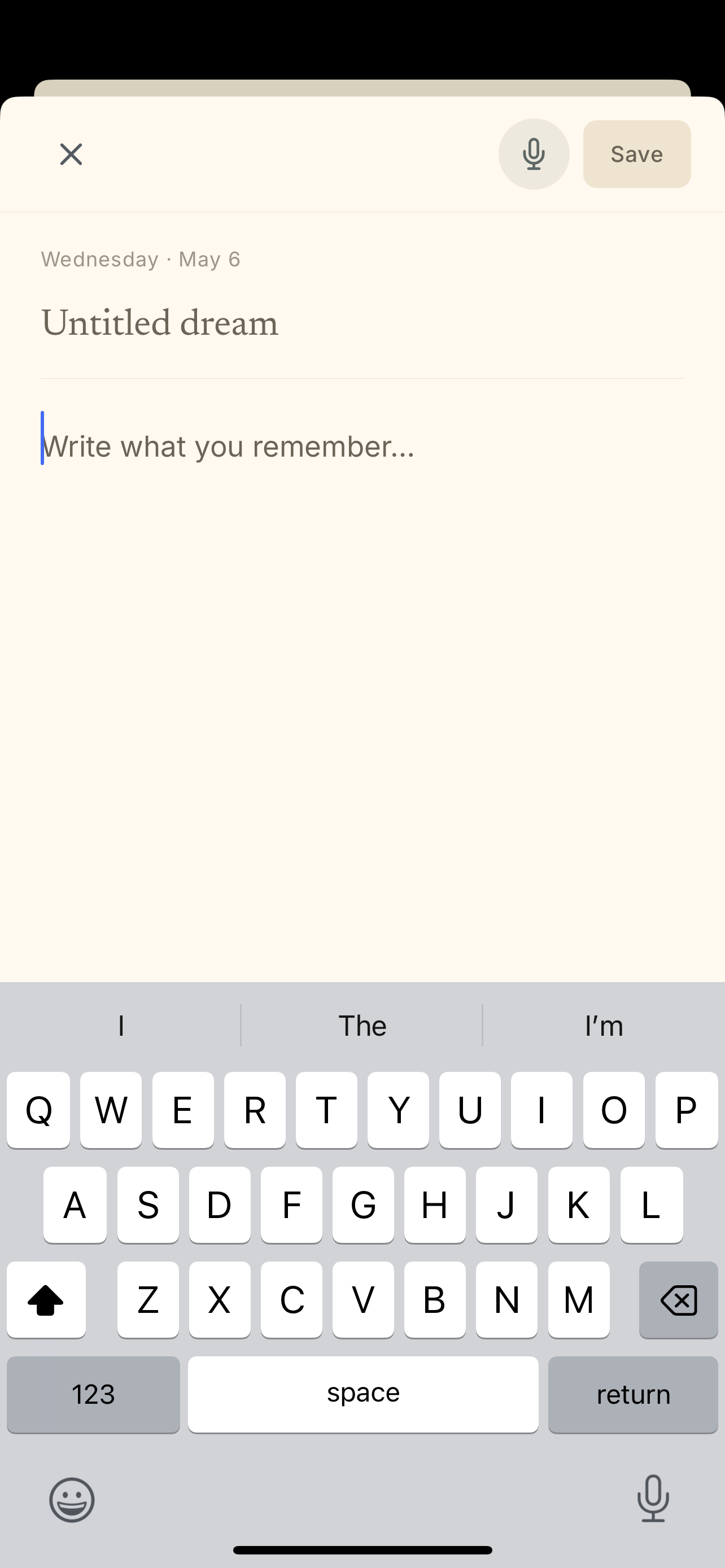
Velum text entry screen for writing a new dream
Velum V5 text entry screen

A dream is not a note. It is a door.

Join the beta